 Française
 Deutsch
How to set the Classic tile design?
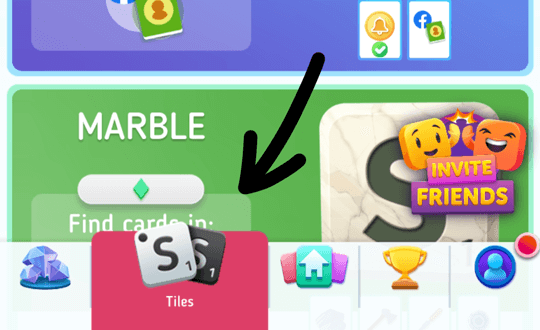
- From Scrabble Go, tap the “Tiles” tab at the bottom of the screen.
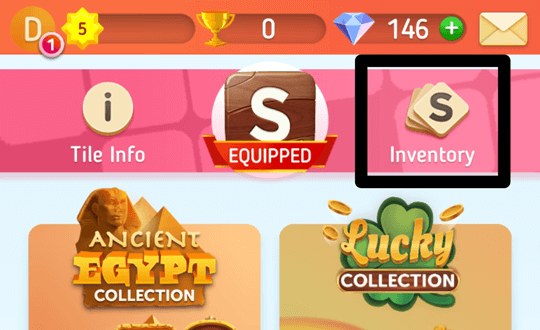
- Next, tap on the “Inventory” button at the top right of the page to see all your tiles.
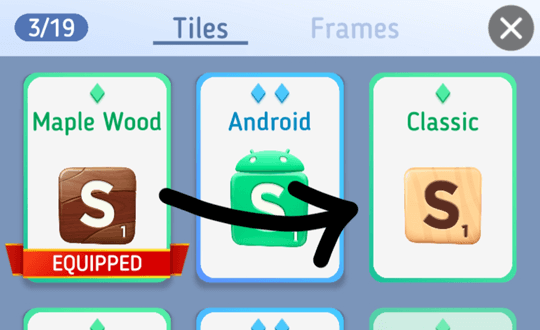
- Find the “Classic” tile design and select it to view the tile.
- Lastly, press the “Equip” button and exit the tile's screen to get back to playing.